Everything in one place.
CMS, LMS, membership, media AI, conversations, and expert review share one schema, one auth model, and one edge runtime, so you stop gluing vendors and start composing products.
- CMS Articles, pages, catalogs, and structured content as Seedlings: editable in Creator, served on the same Worker as the rest of the product.
- LMS Courses, enrollments, progress, credits, and assessments next to the content they use, not a separate learning platform with its own login.
- AI video & photo Lectures and field media become captions, chapters, clips, OCR, and searchable assets that CMS and LMS pages consume by reference.
- Conversations Office hours, coaching, and Q&A with the same members, permissions, and history as every other Seedling.
- Review boards Experts approve what learners see and what trains the model: plumbers, physicians, or any faculty you name.
How Creator works.
You build the product the same way you build a form: pick reusable elements, compose screens, bind them to models, then save onto a Seedling branch with site overlays when a vertical needs its own defaults.
Start with building blocks.
Each element is a Seedling: label, config, view, and controller. Groups, text fields, media, nested models, and custom types live in one library you reuse across forms and data models.
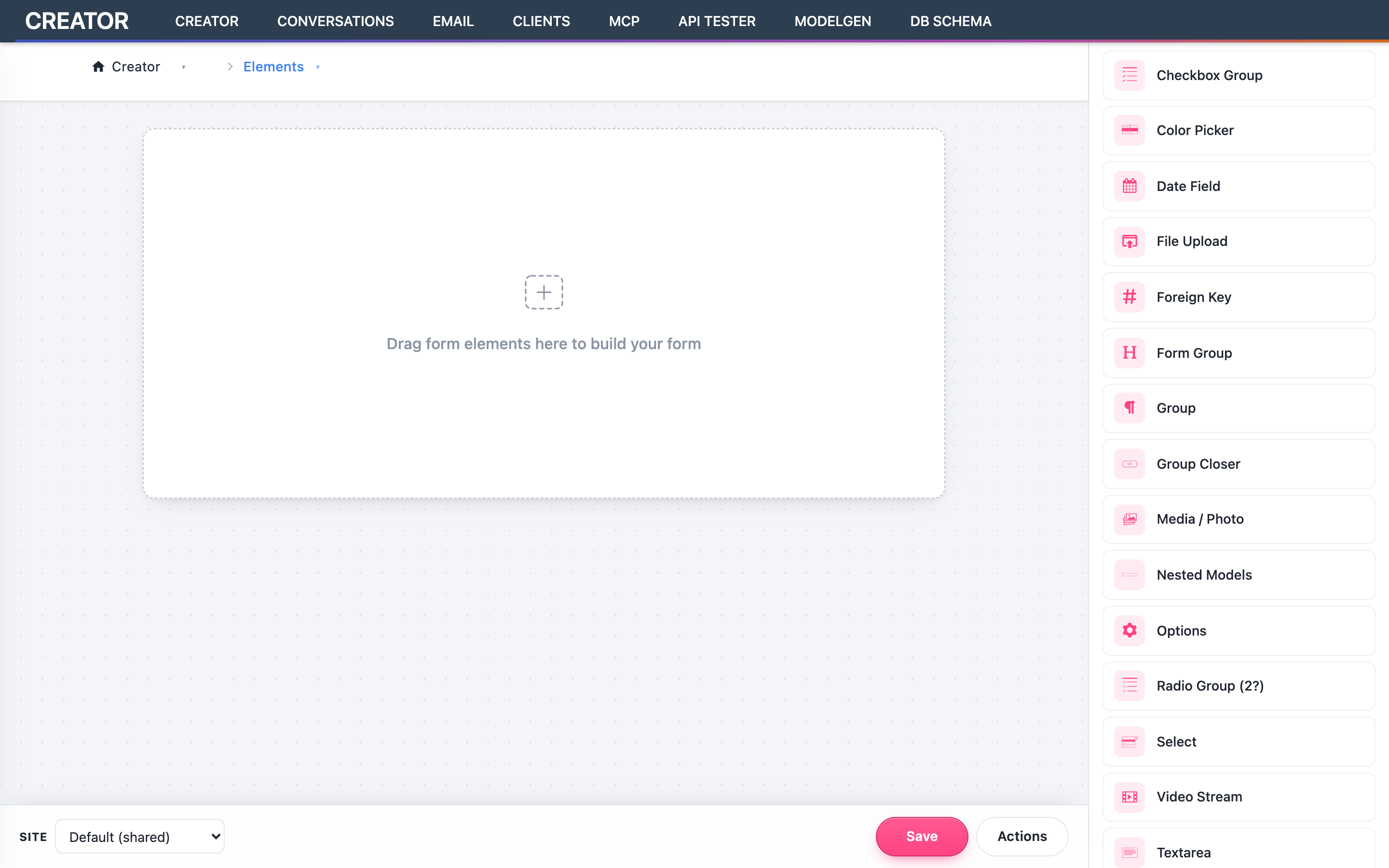
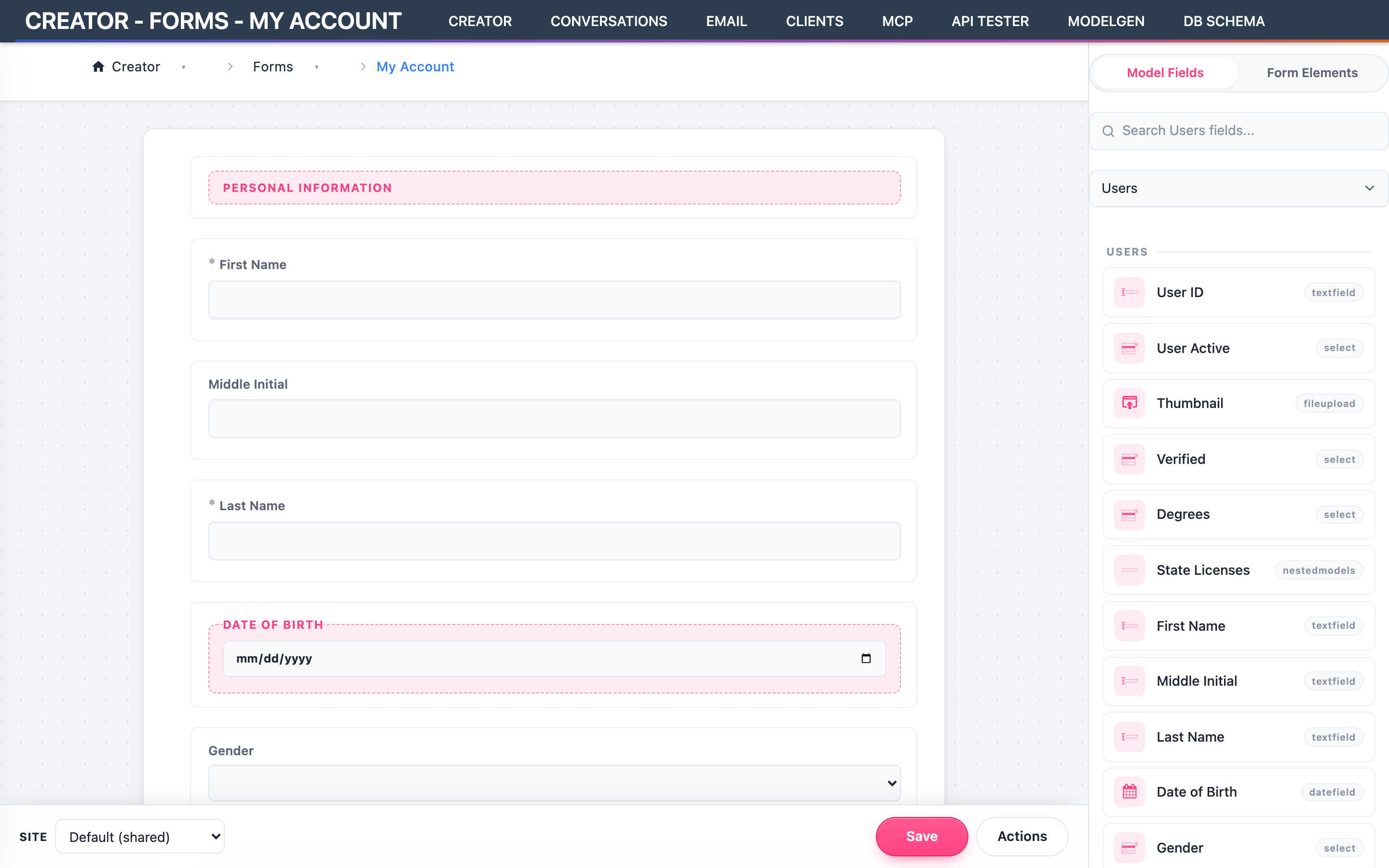
Compose the screens members use.
Drag elements onto a canvas, group them into sections, and ship member-facing UI like My Account on the same Worker that serves the rest of the product. No separate form builder SaaS.
Bind screens to the schema.
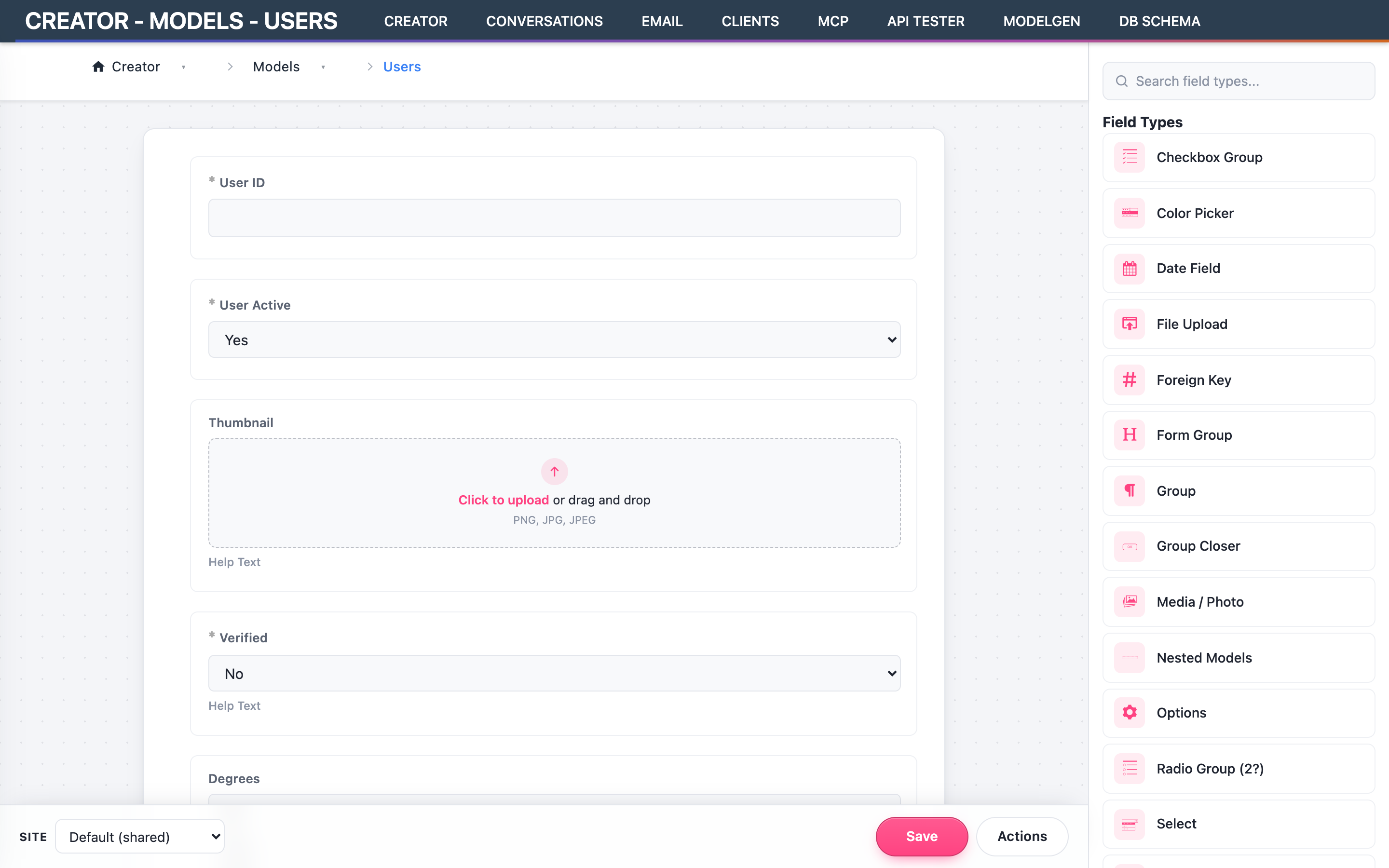
Models define the data under every form: required fields, uploads, selects, nested licenses. Pick a site overlay when a vertical needs different defaults, then Save onto the branch.
CMS pages, LMS enrollments, media jobs, and conversations attach to the same model graph, so the next vertical inherits auth, storage, and UI together.
Example: a plumbing school in Creator.
CMS for the library, LMS for the pathway, AI media for the field, a board of plumbers for trust, conversations for tutoring. One product, one login.
Publish & enroll
CMS holds codes, diagrams, and lessons. LMS enrolls apprentices and tracks progress against those same records.
Capture & approve
AI video and photo Seedlings ingest installs; the plumbing board reviews before content goes live or trains the model.
Teach in-product
Conversations tutor against the approved corpus, inside the same membership system that runs the LMS.
One schema under the whole stack.
Forms, databases, CMS, LMS, and AI capabilities are all Seedlings. Edit once; the edge API, membership, and UI stay consistent, so the next vertical inherits the whole platform, not a demo.
- Compose Assemble CMS, LMS, media, conversation, and review Seedlings the way you assemble a form today.
- Govern Boards, site overlays, and ownership decide what is published, credited, and taught.
- Reuse Plumbing this year, electrical or CME next: same CMS/LMS/AI cores, new domain overlay.
Replace the vendor pile.
We’ll map your CMS, LMS, media, and board onto Creator and show one vertical product instead of five subscriptions.
Book a demo